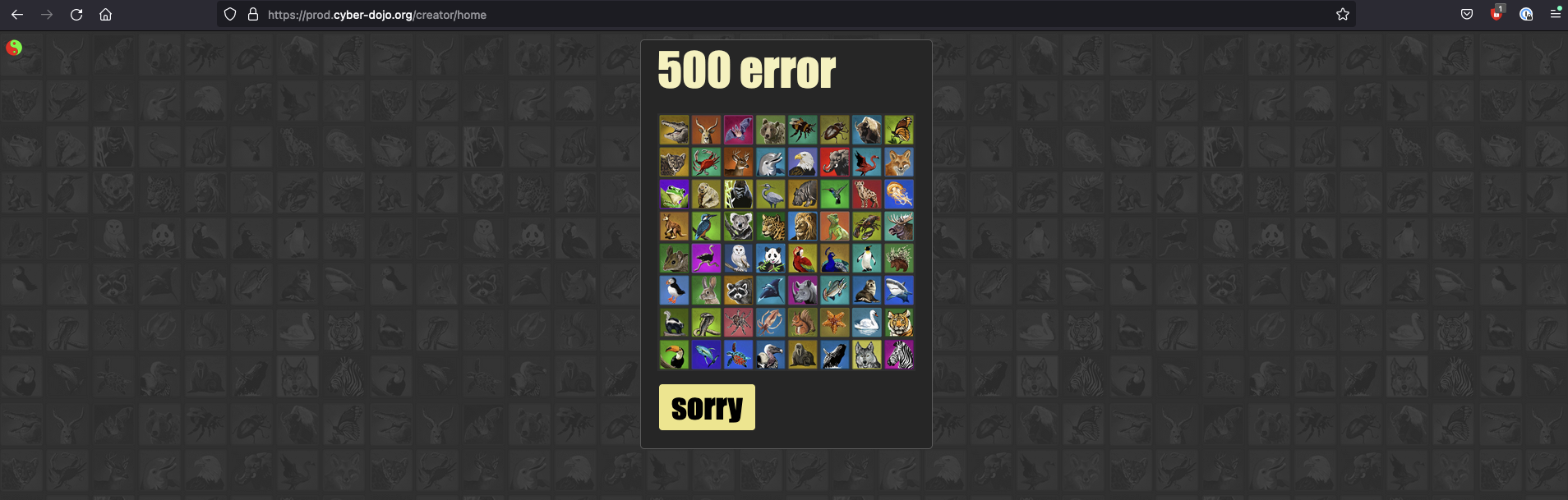
Learn how to use Kosli to trace a production 500 error in cyber-dojo back to the specific git commit that caused it — without any access to the production environment.
By the end of this tutorial, you will have traced a production incident from a 500 error all the way back to the git commit that caused it, using only Kosli CLI queries against the public cyber-dojo organisation.
https://cyber-dojo.org is showing a 500 error. It was working an hour ago. What changed?
These two snapshots are part of the same : creator:b7a5908 started in snapshot #176, and creator:31dee35 stopped in snapshot #177. The new artifact arrived just before the 500 error — that is the one to investigate.
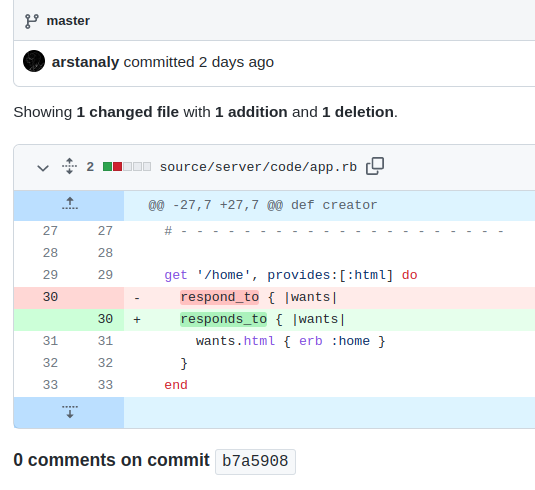
A simple typo in app.rb — an extra s inserted into the method name. The function is called respond_to, not responds_to. That one character caused the 500 error.
You traced a production 500 error back to a specific git commit — without any direct access to aws-prod. By querying the environment log and artifact history in Kosli, you identified exactly which deployment introduced the incident and which code change caused it.From here you can:
Learn more about environment and artifact queries in the Querying Kosli tutorial